VERSION 1.2.0 · OPEN BETA
T.I.P. Gig
Keep your stage layout, input list and Rider details in one project — ready to review or export as a PDF.
Explore T.I.P. Gig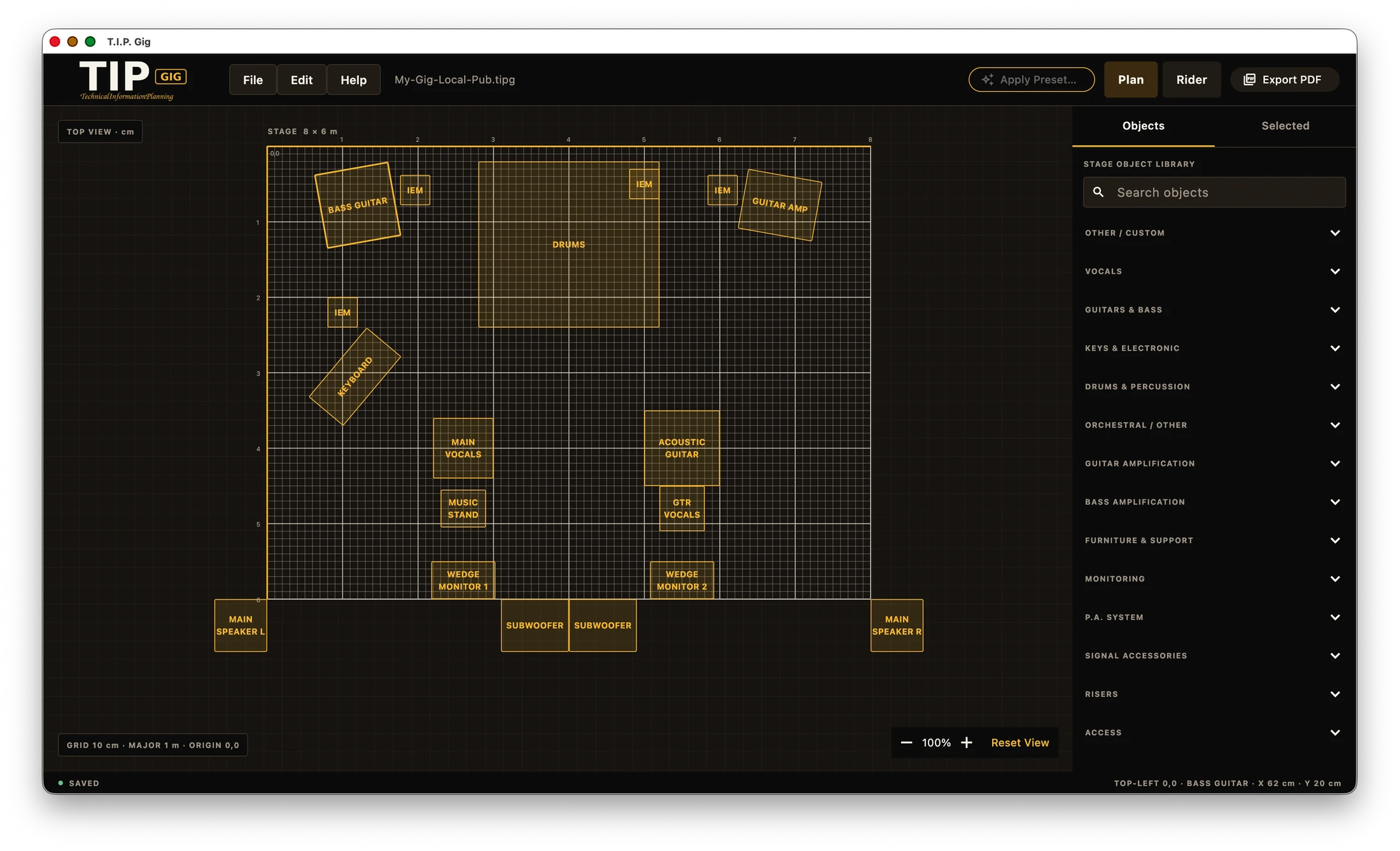
Build the plan. Send the Rider.
Set out the stage, place the equipment and keep the technical details with the layout. When the plan is ready, turn the same project into a clear Rider.
WORKS LOCALLY
T.I.P. Gig is an installed app that keeps the project on your device. It does not need an account or an internet connection for its core workflow.
01 · Stage Plan
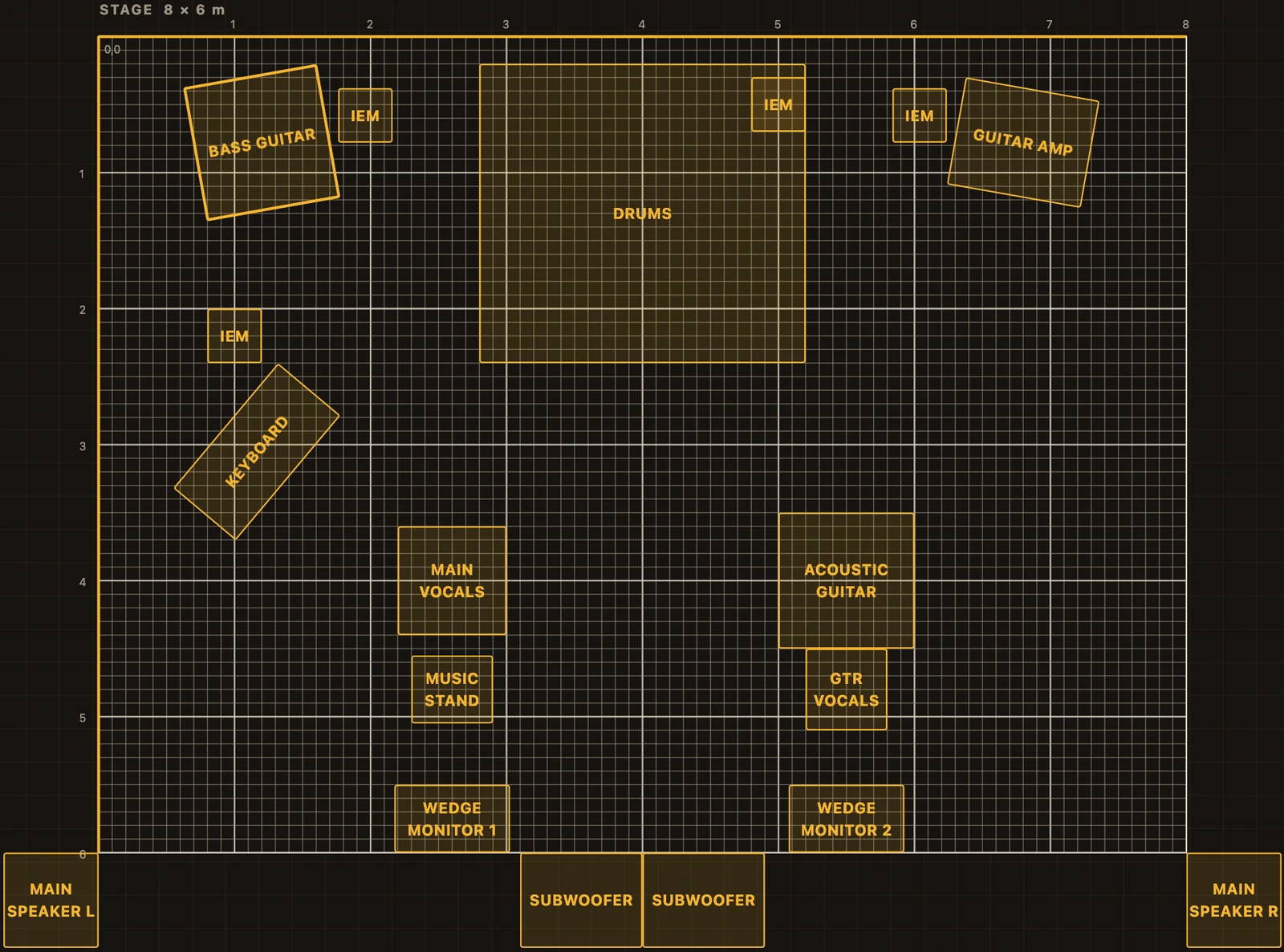
Draw the stage the way it will be built.
Place equipment, set its size and position, and fine-tune the layout with the grid and alignment guides.
02 · Rider
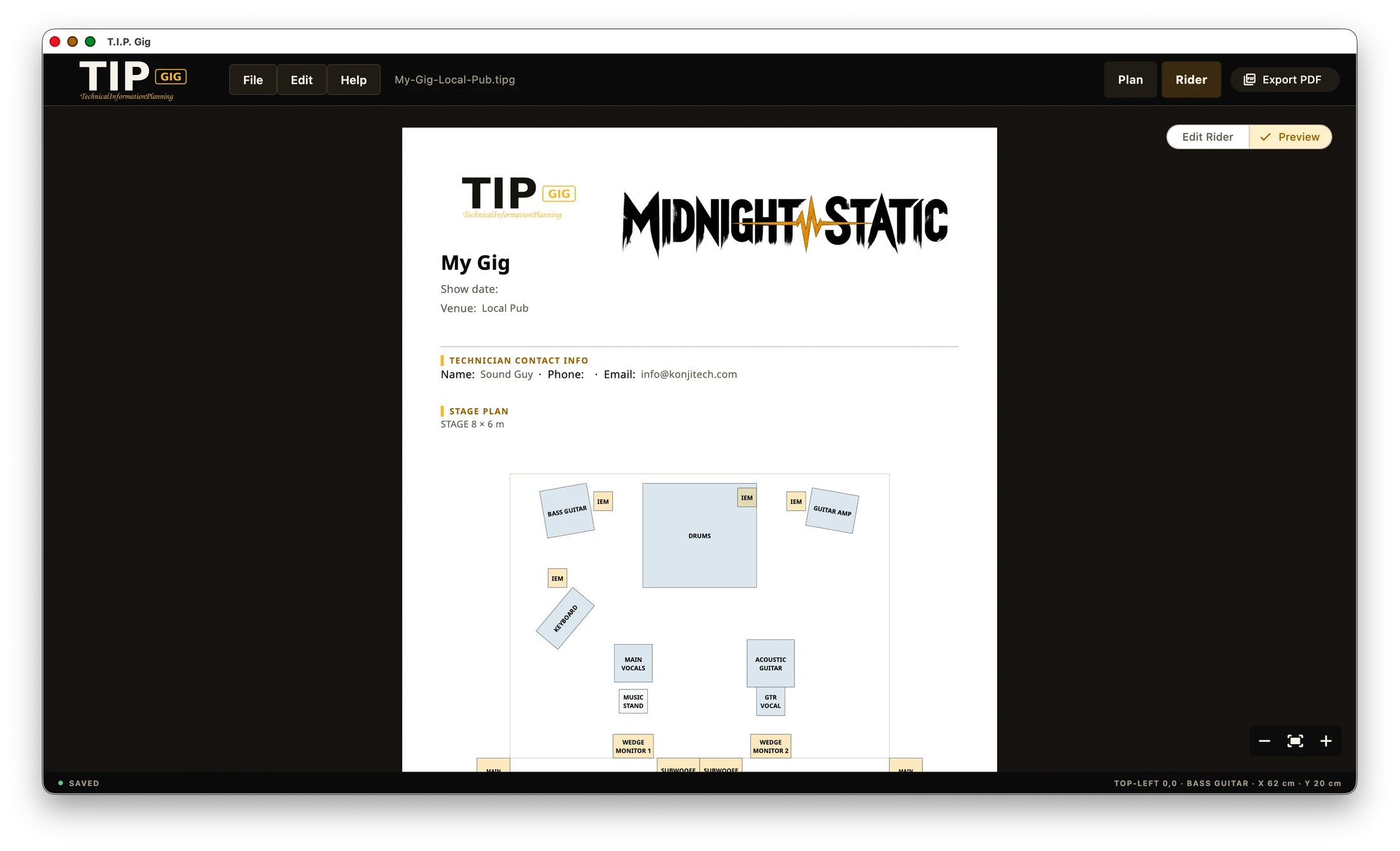
Turn the plan into a Rider you can send.
Review the Stage Plan alongside the input list, output list, personal monitoring routing and notes. Then export an A4 Rider PDF locally.
Download a sample technical rider exported from T.I.P. Gig. This is a fictional sample document.
What stays together
- 01
Stage layout
Build a measured plan with the equipment you need.
- 02
Inputs, outputs and monitoring
Keep the technical information attached to the same project.
- 03
Rider PDF
Review the Rider and export it locally when it is ready.
WHAT'S NEW
T.I.P. Gig 1.2.0 Open Beta
20 app languages, more useful local Settings, clearer Stage Plan placement and greater control over Rider presentation.
- Device-local settings for appearance, language and project defaults
- More control over Rider styling before local PDF export
- Improved alignment guides and Rider readability